상품 정보
상품 상세설명
OVERVIEW
Official designation: GE Fanuc IC693BEM334 (Series 90-30/90-70, Genius Bus Controller)
Role/Application: This module serves as a master controller, enabling Series 90-30 and 90-70 PLCs to interface with up to 31 Genius I/O devices for distributed control.
KEY SPECS SUMMARY
Power: 380 mA from 5 VDC bus
Interfaces / Ports: Two BNC coaxial connectors
Indicators: Four LEDs (Power, Network, Enable, Fail)
Operating Temp: 0 to 60 degrees C
Platform / Compatibility: Series 90-30 and 90-70
Limit: Supports up to 31 nodes
Lifecycle: Discontinued by manufacturer
FREQUENTLY ASKED QUESTIONS
Technical Specifications:
Q: What is the maximum data exchange rate supported by the Genius Bus Controller network?
A: The Genius Bus network supports a maximum data rate of 153.6 kilobaud.
Wiring & Installation:
Q: What type of cable and termination are required for proper Genius Bus network configuration?
A: Requires RG-62A/U coaxial cable and 93 Ohm terminators at the cable ends.
Troubleshooting & Compatibility:
Q: What does the "Network" LED indicator on the IC693BEM334 signify during operation?
A: The Network LED indicates bus activity and communication status on the Genius network.
Replacement & Upgrades:
Q: What is the function of the "Enable" and "Fail" LED indicators on the module?
A: Enable signifies the module is active, and Fail indicates a detected system or network fault.
상품 정보 고시
| Category | Details |
|---|---|
| Product Name | See this page for details |
| Model Name | See this page for details |
| Certification or Licensing Information Required by Law | See this page for details |
| Country of Manufacture or Origin | See this page for details |
| Manufacturer | See this page for details |
| After-sales Service Contact or Customer Support Number | See this page for details |
사용후기
등록된 사용후기
Be the first to leave a review!
상품문의
등록된 상품문의
Be the first to ask a question about this product!
배송정보

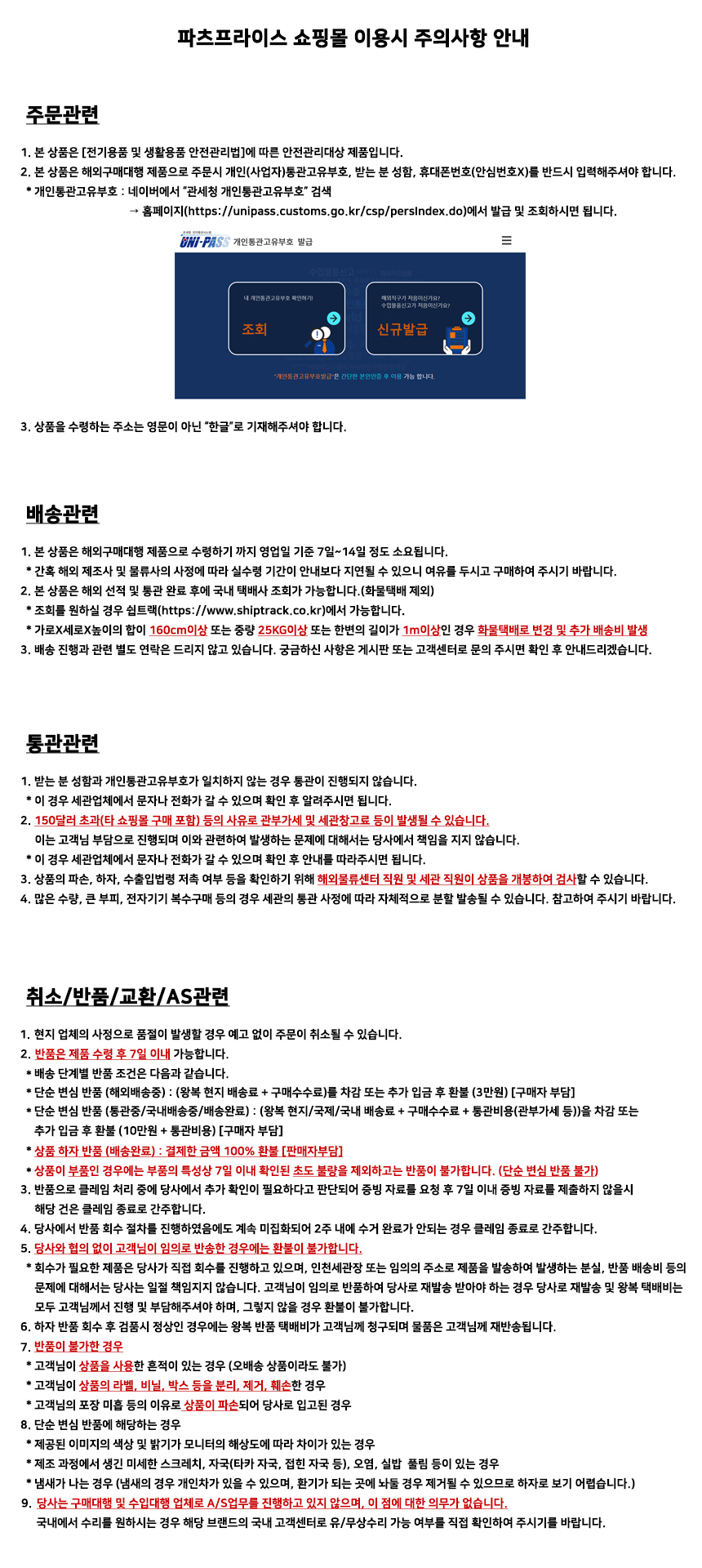
교환/반품